Multi-Agent Classification, AI Chat & Reports
Four classification modes, natural language data querying, and automated report generation — powered by multi-agent AI. Stop reading spreadsheets; start understanding your audience.
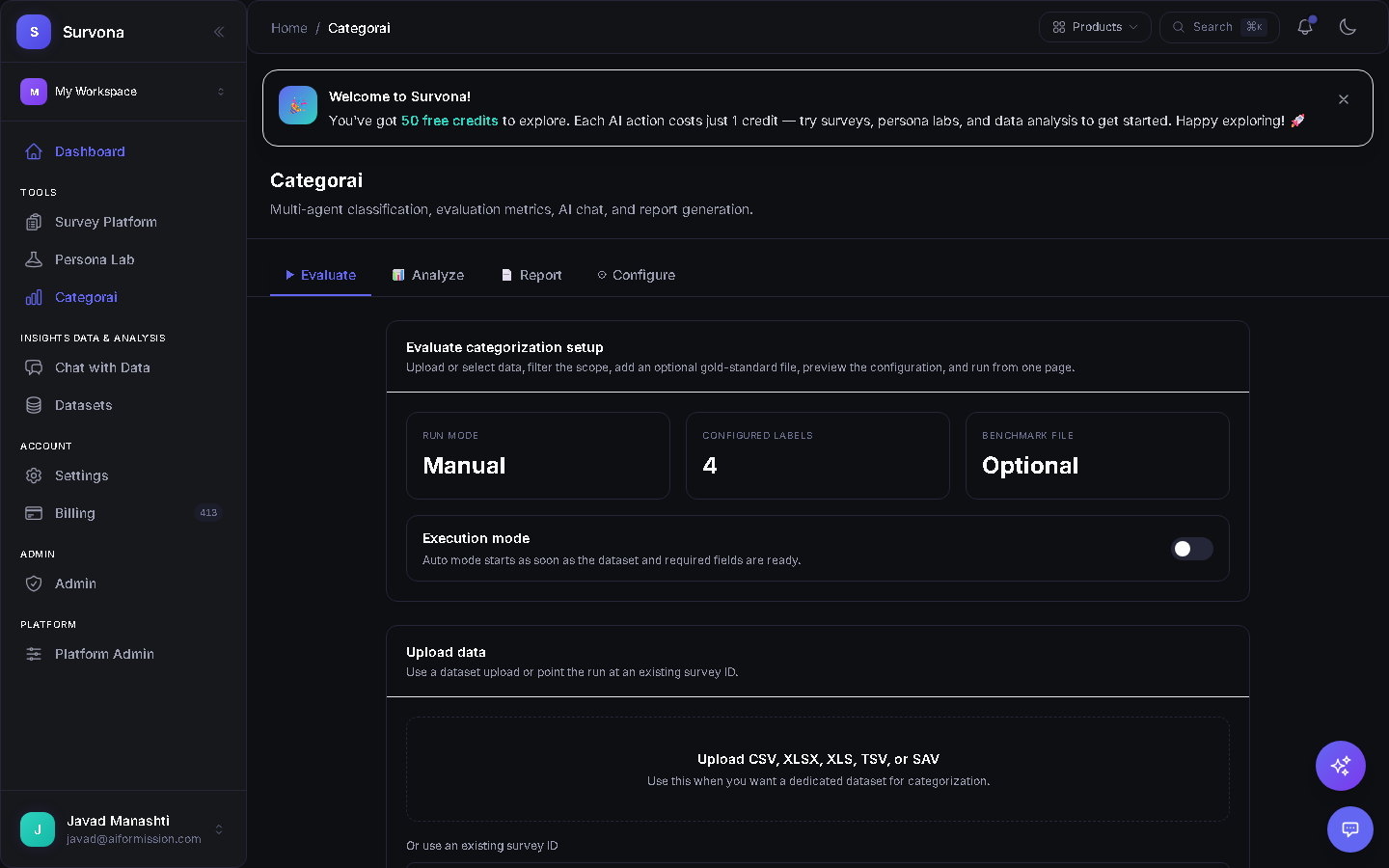
Evaluation & Classification Setup
Configure your classification pipeline visually. Choose between Manual or AI-powered modes (Quick Classify, Deep Analysis, Thematic Coding, Custom), assign your taxonomy labels, and fine-tune analysis parameters — all from one screen.
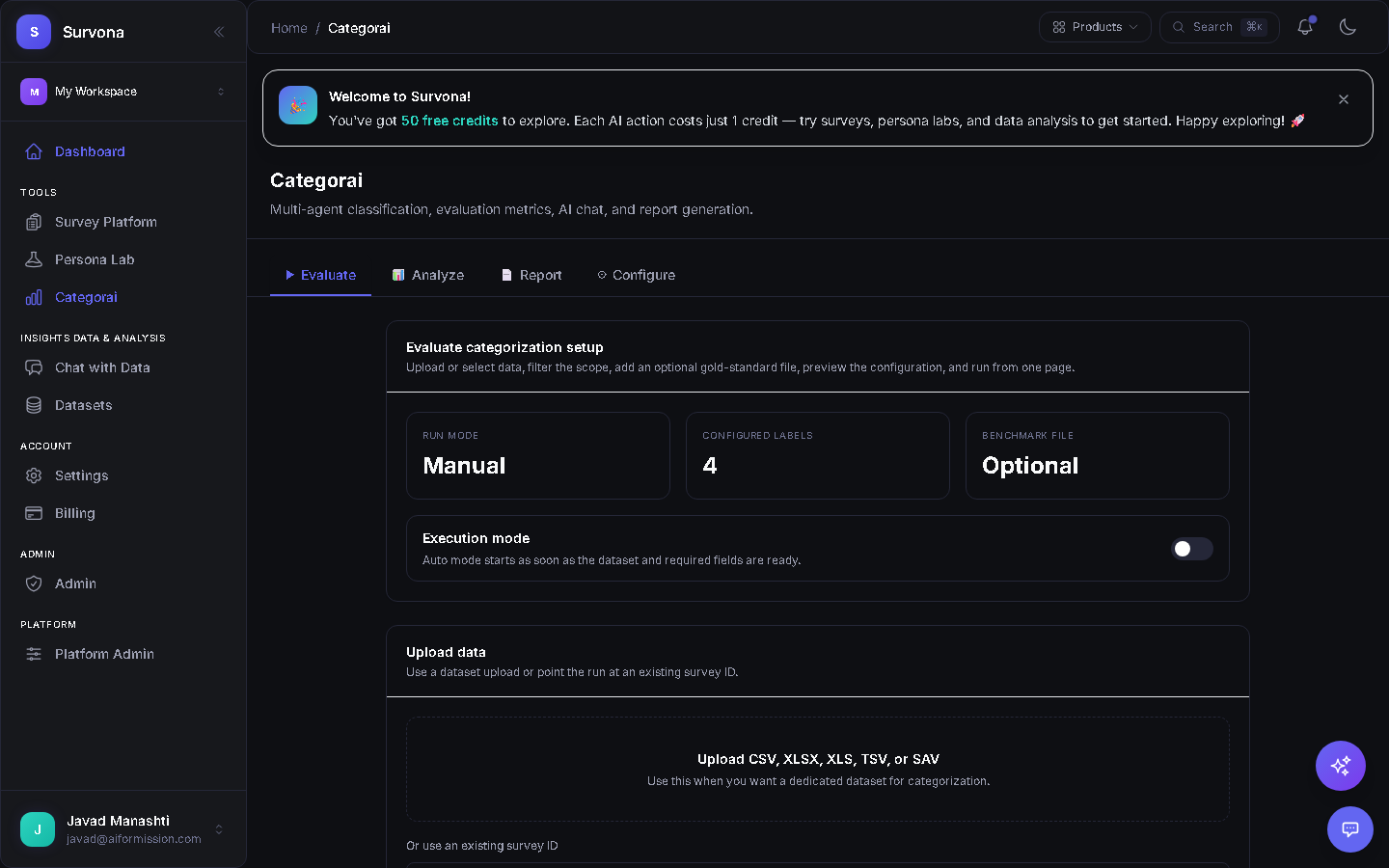
AI Classification Results
Review results with confidence scores, sentiment indicators, and quality metrics. Each response is categorized with clear reasoning, letting you audit and refine classifications with a single click.
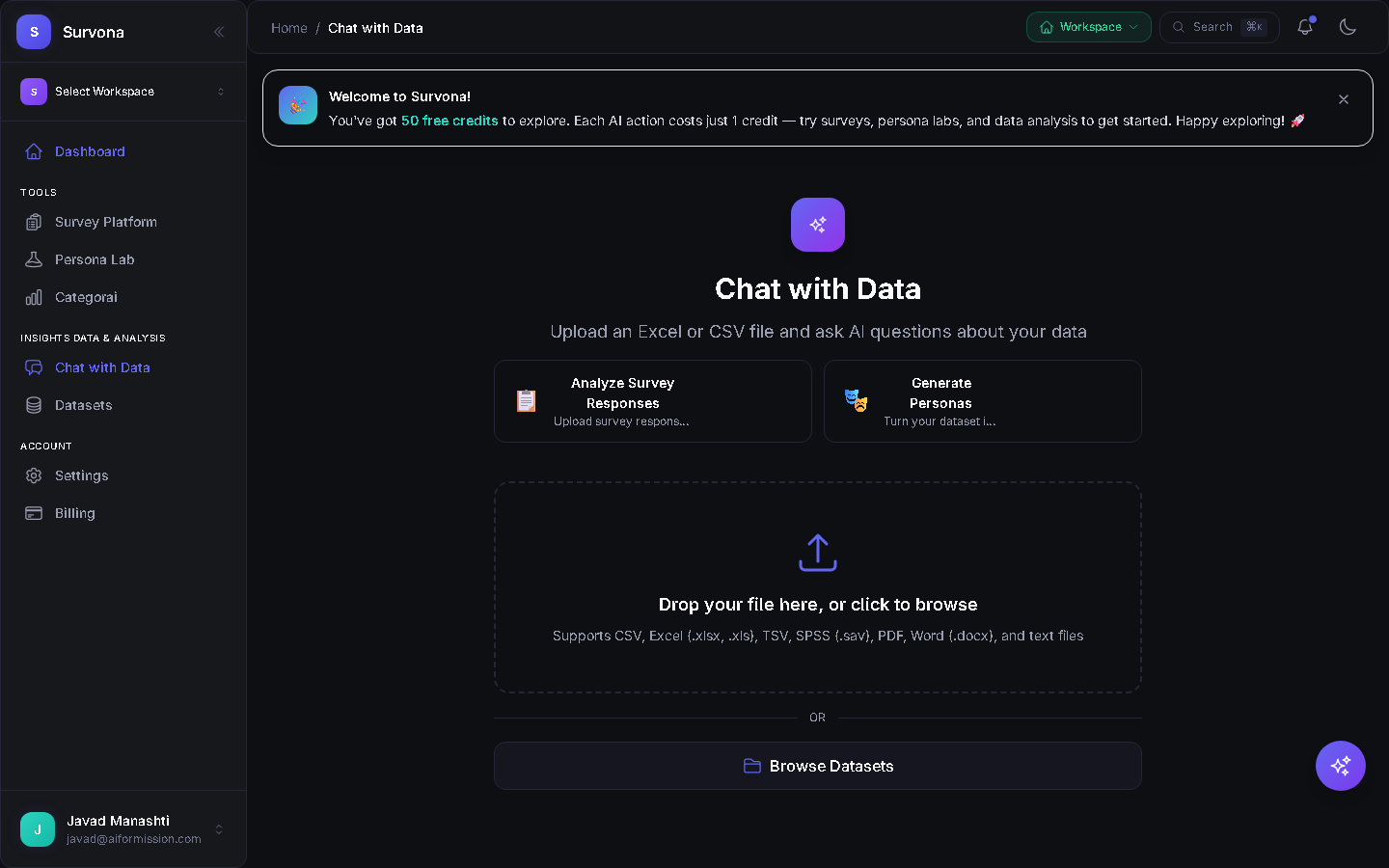
Chat with Your Data
Ask natural-language questions about classified results. "What are the top complaints?" or "Show positive vs negative sentiment trends." AI answers instantly with data-backed citations and inline charts.
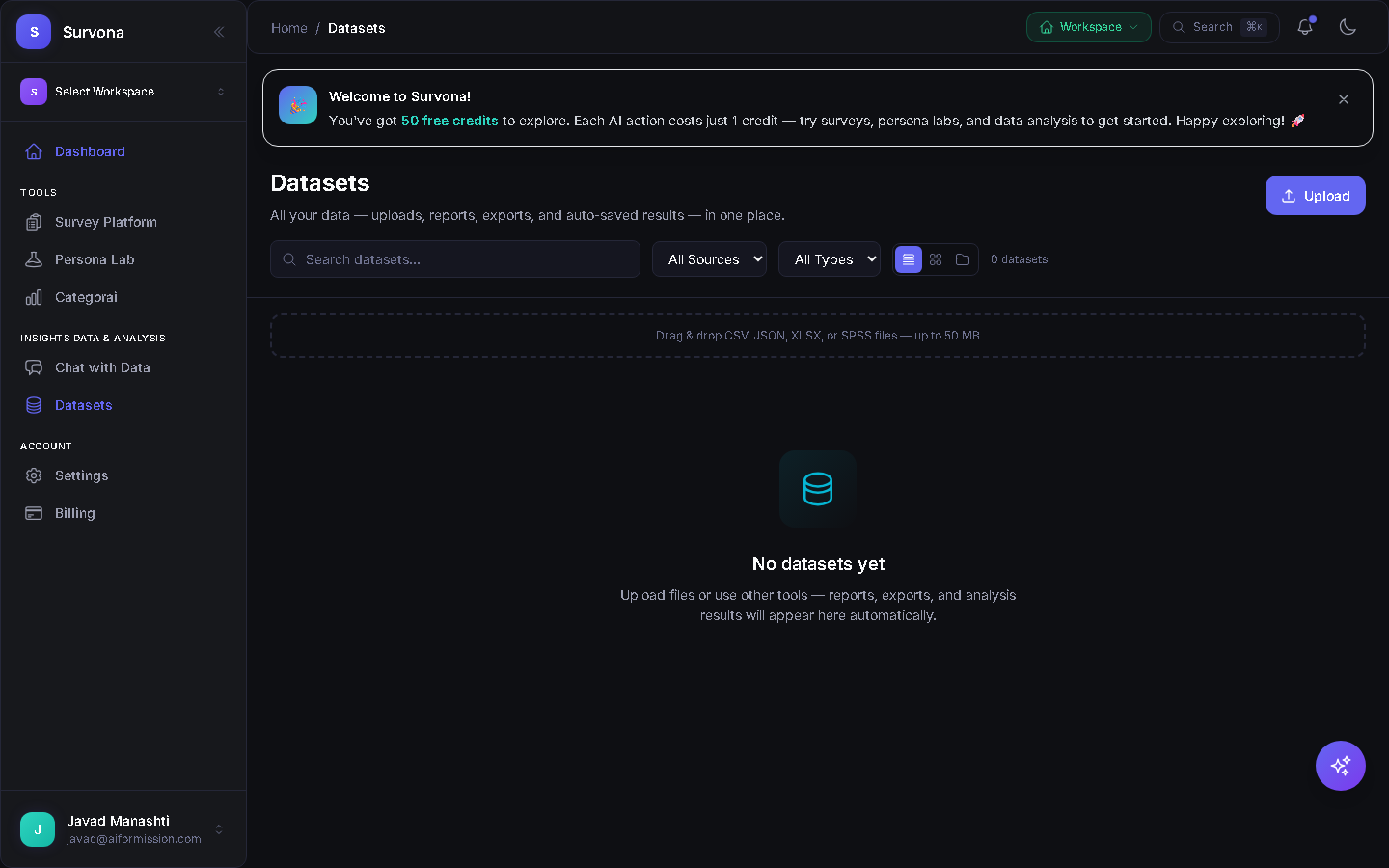
Datasets & Data Management
Manage all imported datasets in one place. Upload CSVs, connect KoboToolbox, or pull survey responses directly. Each dataset tracks status, row counts, and last analysis — ready to re-classify anytime.
See It in Action
Watch narrated walkthroughs of every classification feature.
Uploading Data
AI Classification
Category Results
Report Generation & Export
Chat with Data
Four AI Classification Modes
Choose the right analysis approach for your data — from quick single-pass to deep multi-agent classification.
Quick Classify
Fast single-pass categorization for large datasets. Get results in seconds with AI-generated taxonomies.
Deep Analysis
Multi-pass classification with confidence scores, quality metrics, and iterative refinement.
Thematic Coding
Qualitative research coding — discover themes, sub-themes, and patterns across open-ended responses.
Custom Classifier
Define your own taxonomy and let AI classify responses into your predefined categories with precision.
Complete Analysis Toolkit
Chat with Your Data
Ask natural-language questions about your datasets and get instant AI-powered answers with citations and visualizations.
AI Report Generation
Generate polished reports in PDF, DOCX, PPTX, and XLSX formats summarizing key insights, trends, and recommendations.
Sentiment Analysis
Detect respondent sentiment at scale — positive, negative, neutral, and mixed signals across all responses.
Cross-Survey Comparison
Compare results across multiple surveys and datasets to identify longitudinal trends and patterns.
Configurable Presets
Save and reuse categorization configurations to streamline repeated analysis workflows across projects.
Universal Data Import
Works with survey responses, CSV uploads, KoboToolbox imports, and any structured text data source.
How Categorai Works
Upload or Connect
Import survey responses, upload CSVs, or connect external data sources like KoboToolbox.
Choose Your Mode
Select from Quick, Deep, Thematic, or Custom classification — AI handles the rest.
Analyze & Report
Chat with results, explore sentiment, compare across surveys, and export polished reports.
Ready to Classify & Analyze?
Sign in to start categorizing your data with multi-agent AI and generate professional reports.